 Connect
Four steps to go.
And you can sell before the last one.
Each step below shows how long it really takes and what happens if you skip it. The fourth is the longest, and the only one that isn't entirely up to you.
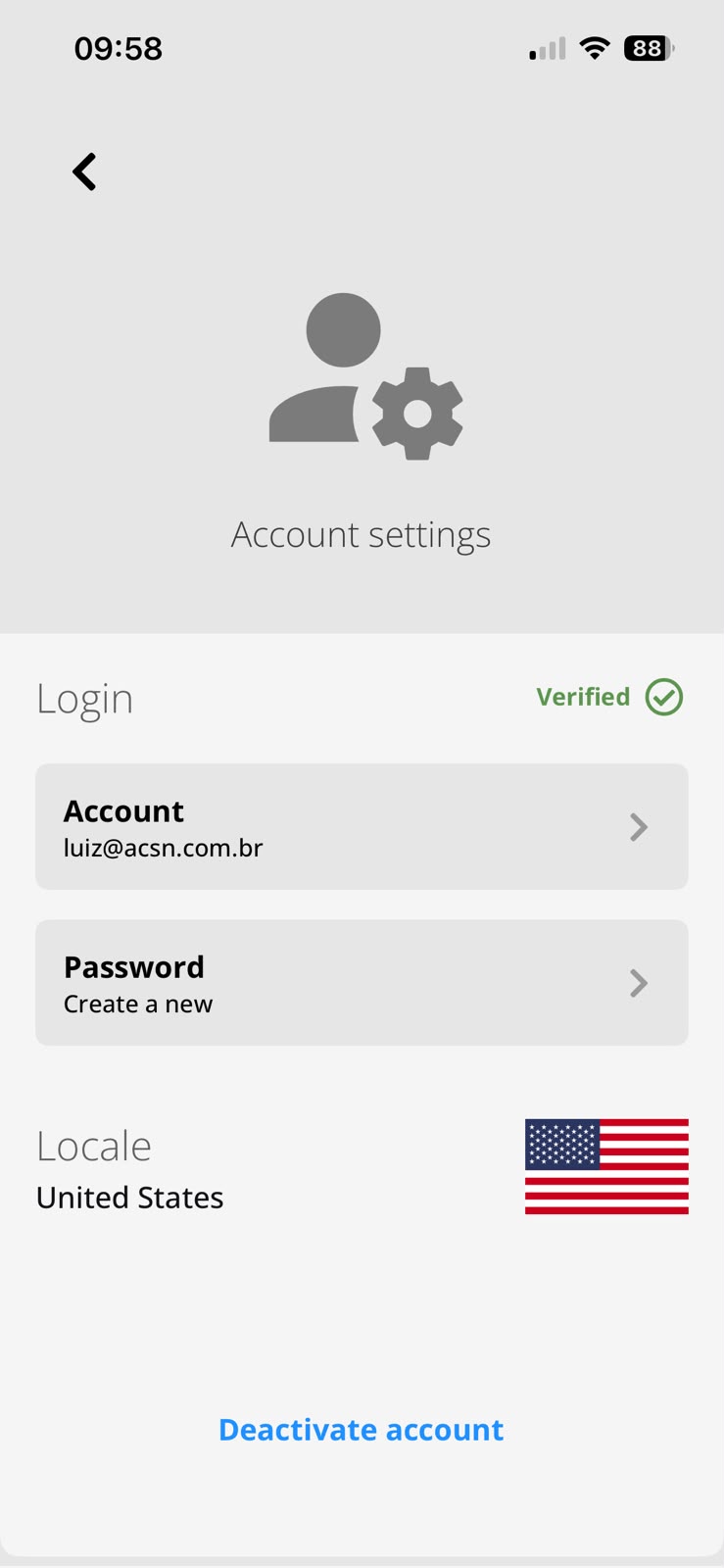
Create the account
Email and password, that's it. One choice here is permanent: the country of the account sets the currency of your sales and the jurisdiction, and it can't be changed later. If you sell in two countries, that's two separate accounts.
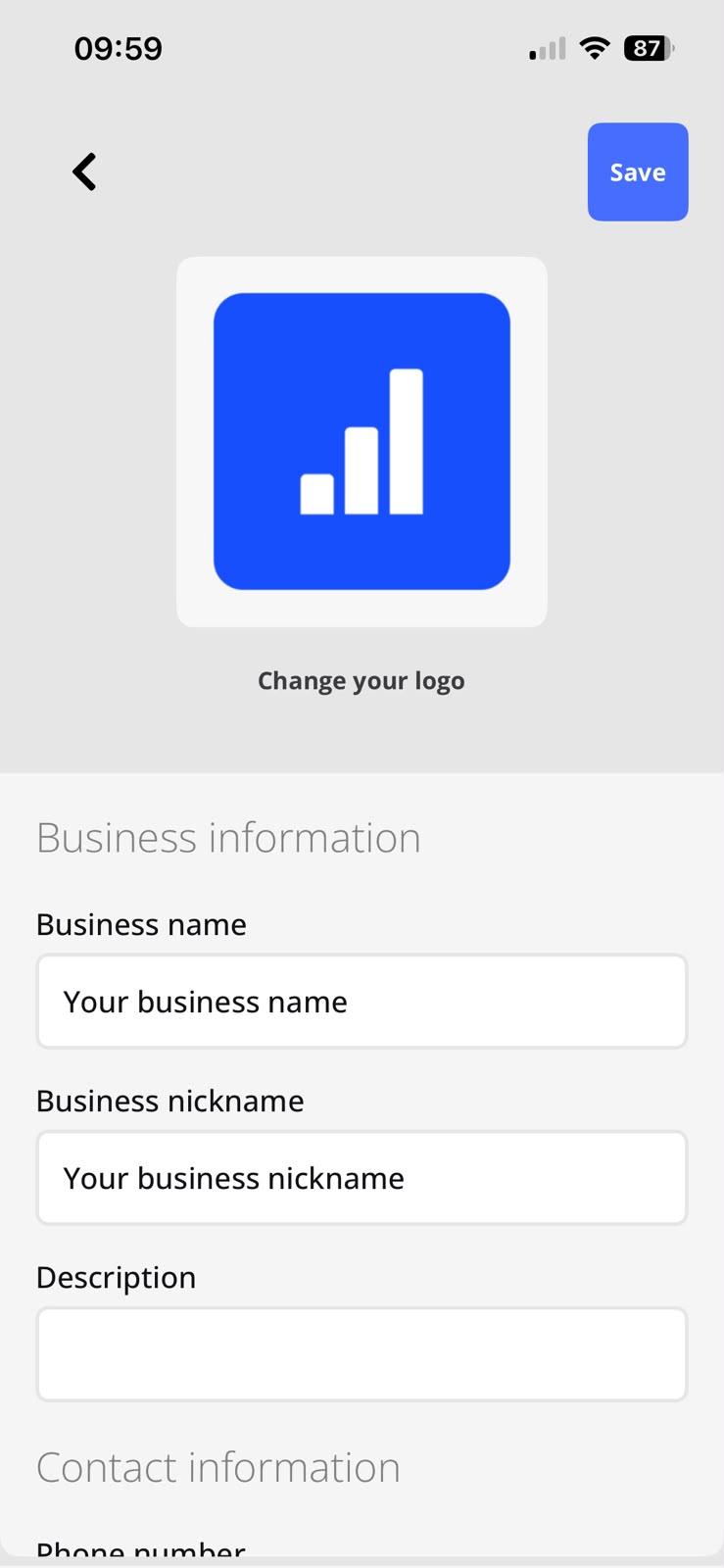
Business details
Logo, legal name, trade name and contact. This is what shows on the receipt your customer gets. Leave it empty and the receipt comes out generic, with no brand and no phone number.
First product
Photo, background color and description, which the app writes for you. That's what builds the colorful gallery you tap to sell. One product is enough for the whole flow to work.
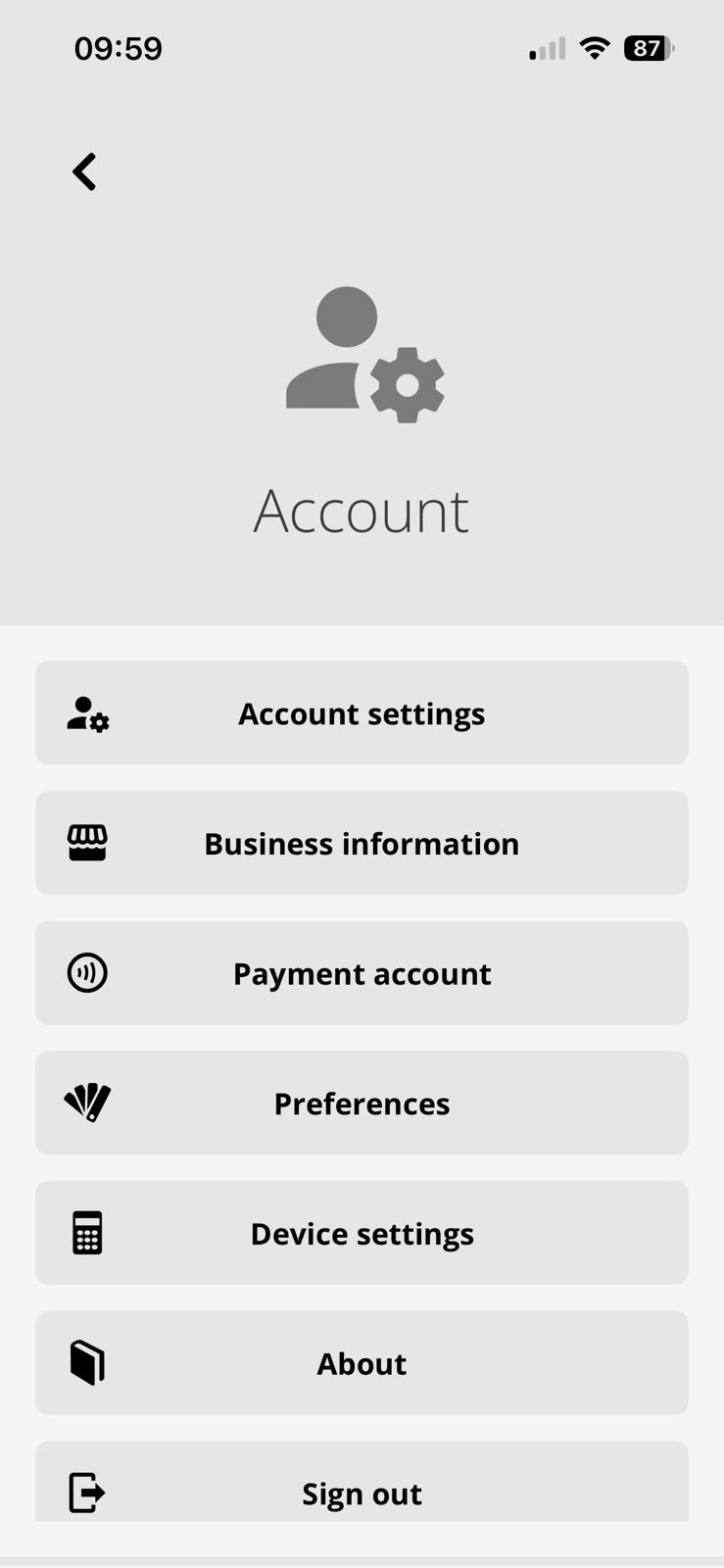
Link the payment account
This is what lets you take cards inside the app. It takes 10 to 15 minutes to fill in, plus Stripe's review time, which is up to neither you nor us. In the meantime you can already sell: in cash, or on the card reader you already have, recording the sale in the app just the same.
In the bank account you provide, on Stripe's schedule for your country. ConnectStore never holds your money. It never passes through an account of ours.
What you get after that
- Tap to Pay on iPhone and Tap to Pay on Android, where available in your country
- Stripe M2 and S700 readers
- Keyed-in card entry
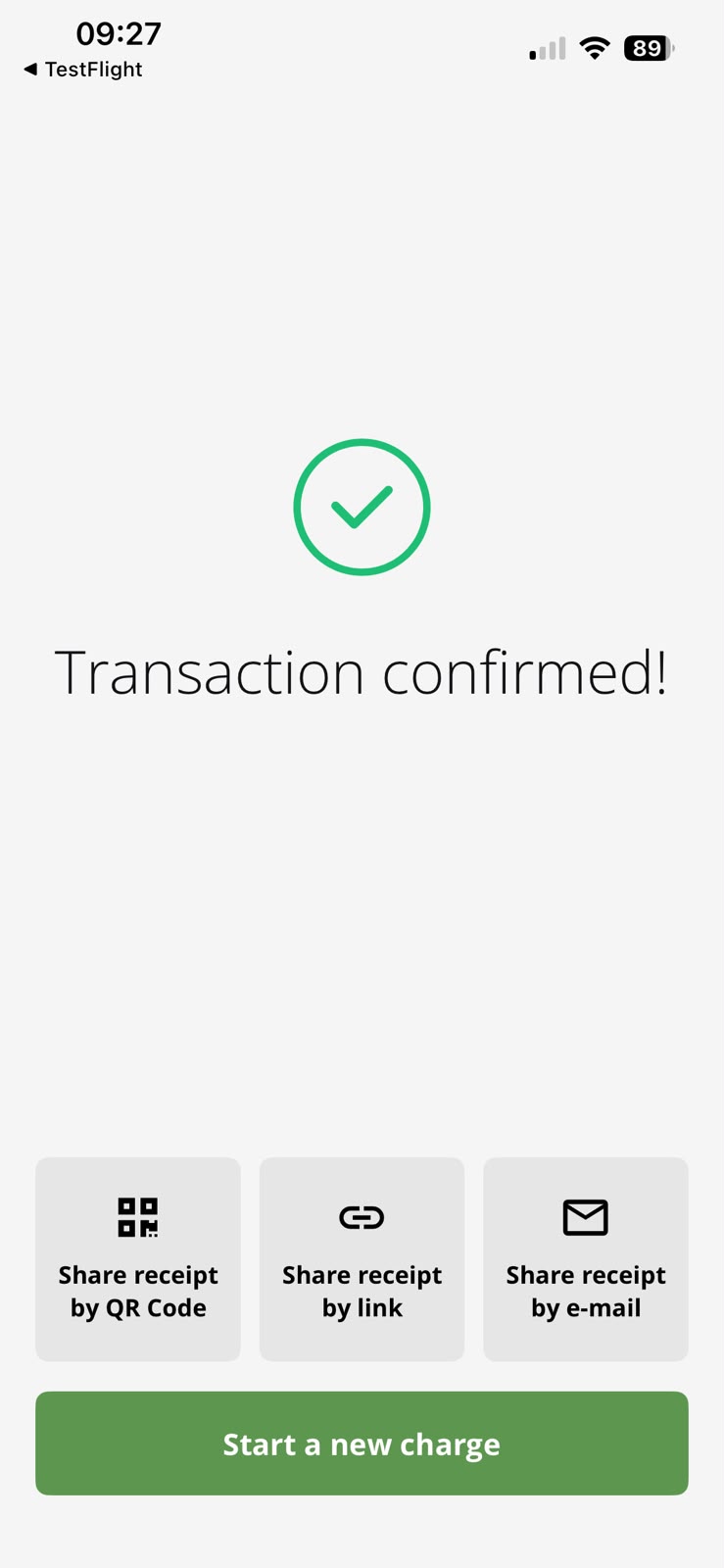
- Payment link, sent by QR code, link or email
Payment integration is a separate service, charged only when you use it: the processor's fee, billed by them, plus 0.5% from ConnectStore for the service, on any plan. A sale recorded without it still costs nothing.
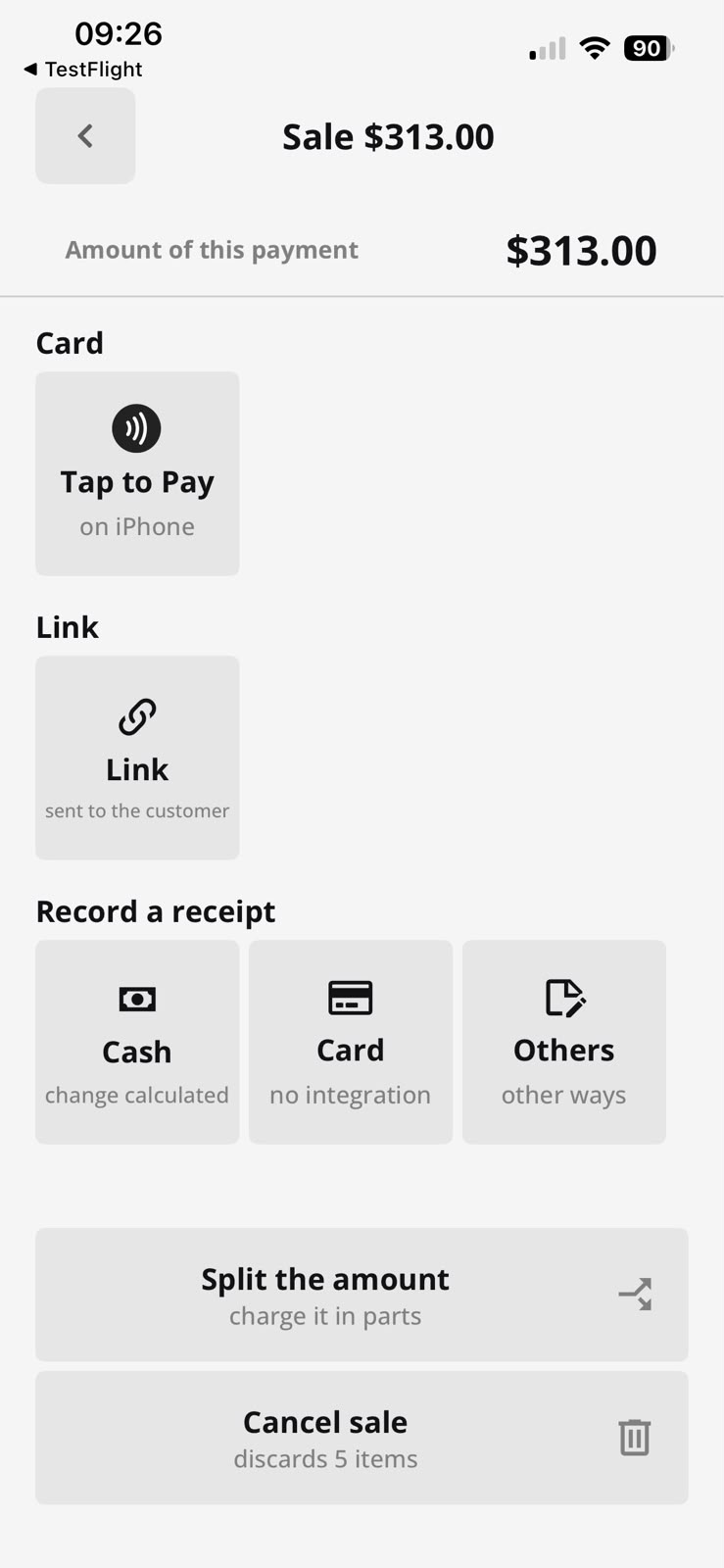
Make a US$ 1 sale to yourself.
The sale goes through the catalog, the cart, the payment, the receipt and the report, exactly as it will at the counter. Then just cancel it.

Three things we'd rather tell you upfront.
You need internet
There is no offline mode: the sale is recorded on the server the instant it happens. Where the signal is unreliable, that is a real limitation.
The receipt is not a tax document
The app issues a sales receipt. Filing stays with your back office or your accountant. Check what your country requires.
Support by email
Write to support@connectstore.app or use the error report inside the app. Remote setup and training come with the Professional plan.
A second device, or someone besides you.
There is no deadline: it happens when the business stops being one person with a phone. Registering devices is free, and the free plan keeps one active at a time.
No setup fee and no contract. Register as many devices as you want and pay only for the ones active that month.
Already on the Professional plan? The portal is at portal.connectstore.app.