 Connect
Selling is free. You only pay if you get paid through ConnectStore.
Record every sale without paying a thing. If you'd rather, keep taking payments on the card reader you already have.
Selling on your own is free. Professional is for teams.
For selling on your own.
- Catalog, sale, receipt and reports
- Unlimited products and sales
- Receipt in your customer's language
- One active device at a time
For teams and more than one device.
- Everything in Individual
- Web portal with an operations dashboard
- Users with roles and permissions
- Devices authorized one by one
- Sales Activity & Audit Trail
- ERP and Web API integration
Register as many devices as you want: you only pay for the ones active that month.
Free means free. And this is the only limit.
The only limit: one active device.
Register as many devices as you want; one is active at a time. If two people need to sell at the same time, or you want to manage the business remotely, that's when you need the paid plan.
Not a trial. Never expires. No credit card.
Already have a card reader? Keep it.
The sale is recorded the same way and costs nothing. A fee only applies when the payment is captured inside the app.
No integration
No fee
Cash, the card reader you already have, or anything else. The payment happens outside the app and you type the amount when closing the sale.
Stripe
Stripe's fee + 0.5% from ConnectStore
Tap to Pay on iPhone, no card readerTwo separate fees. Stripe charges its own, which varies by country and payment method, and bills you directly. ConnectStore charges an additional 0.5% of the sale.
M2 and S700 readers, keyed-in cards and payment links. Tap to Pay on iPhone and Tap to Pay on Android, where available in your country. What Stripe offers varies by market, and the app runs today in real, dollar and euro.
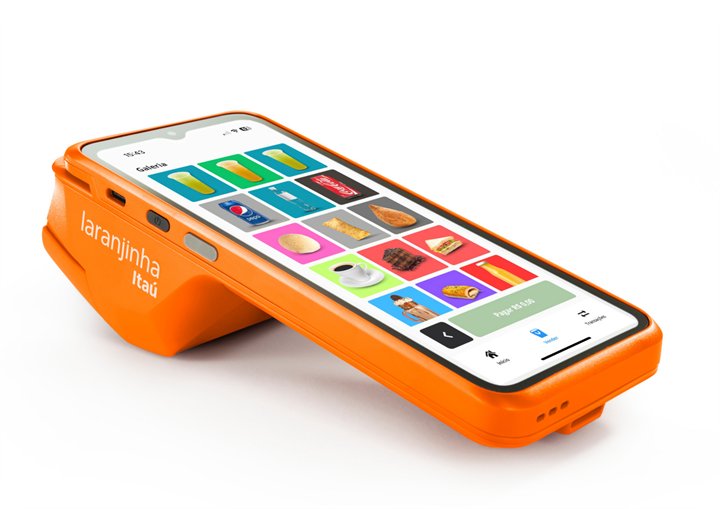
Rede / Itaú
No fee
Available in Brazil onlyYou take the payment on the Rede card reader, with Pix, and the integration costs nothing. Itaú covers it. Terminals in service: Rede/Itaú and L400.
Tap to Pay on iPhone requires a supported payment app and the latest version of iOS. To update, go to Settings > General > Software Update, and tap Download and Install. Some contactless cards may not be accepted by your payment app. Transaction limits may apply. The Contactless Symbol is a trademark owned by and used with permission of EMVCo, LLC. Tap to Pay on iPhone is not available in all markets. View Tap to Pay on iPhone countries and regions.
What we don't charge for.
Download the app, create the account and sell the same day. There is nothing to pay upfront.
Paid in cash or on your own card reader? The sale is still recorded, and goes into the reports and the ERP at no cost.
There is no minimum term. If you decide to stop using it, you can. There's no cancellation fee.
You use ConnectStore with no ads, no pushy offers and no surprise charges. When something has a cost, you know before you sign up.
On your own, it's free. With a team, use Professional.
When someone else starts selling, you still know who sold what, what happened, and how your business is doing.
- A complete history of every saleSee every event in the order it happened, including the timeline, payment, and context. History is kept for 90 days.
- Users with roles and permissionsEach team member signs in with the company ID. Every transaction is tied to their name.
- Devices authorized one by oneNickname, model, status and last access. You only pay for the ones active that month.
- Operations dashboardRevenue over the last 30 days, best sellers, this month against the last, and alerts for anything pending.
- ERP, integrations and Web APIProduct mapping, a visible queue of pending items and automatic resend once the match appears.
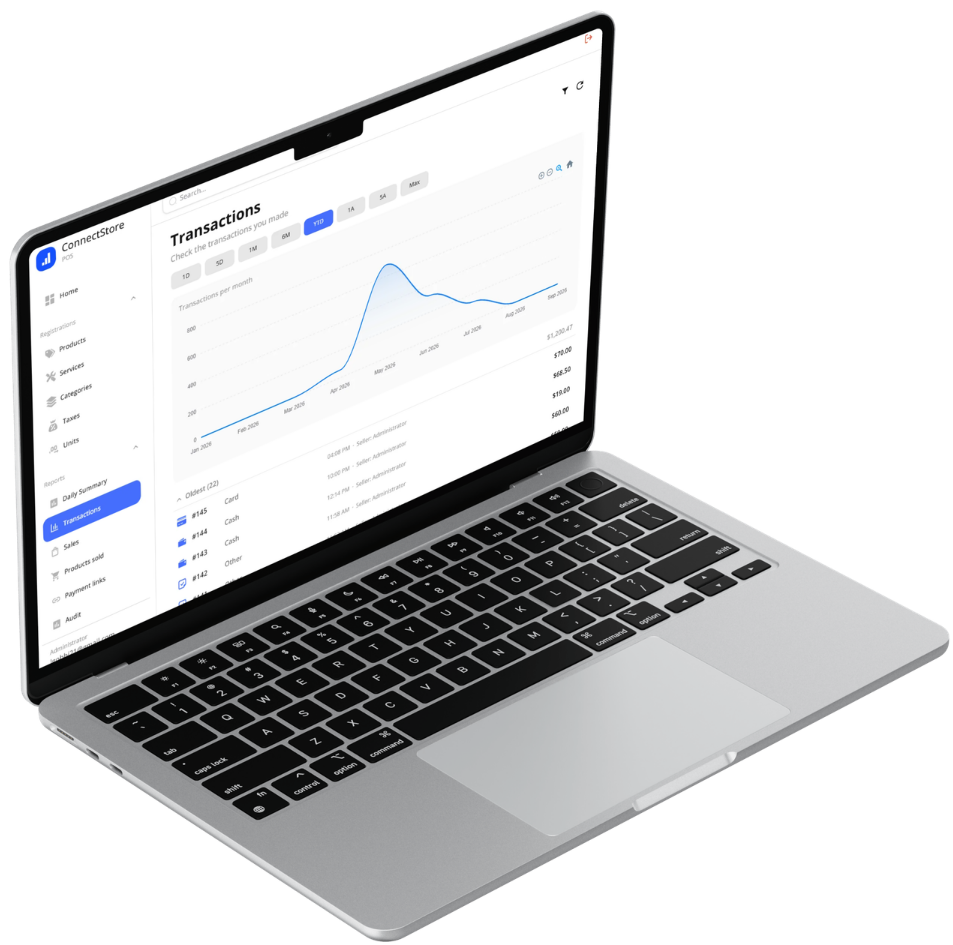
Already on the Professional plan? The portal is at portal.connectstore.app.
Before you decide, make a sale.
Add one product and charge yourself US$ 1. You go through the catalog, the payment, the receipt and the report before deciding anything. Then just cancel it.